Actual Window Manager Product Description
Key features:
- Display the window in the desired position.
- It is displayed at a preset size.
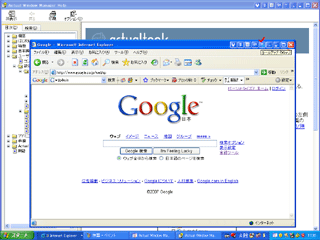
- Display important windows on top.
- Window minimization - normal minimize, rollup, transparent window, etc.
- Ghost a window - This function ignores all mouse actions within a specified window (keyboard actions are still possible).
- Remove from taskbar - This feature keeps the window on the desktop but hides it from the taskbar.
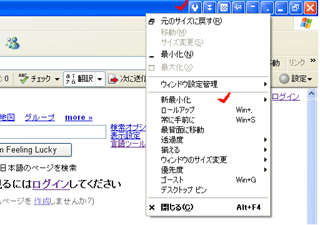 |
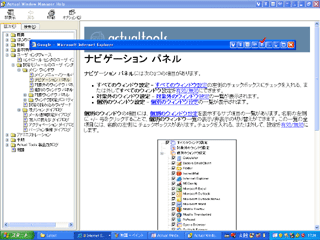
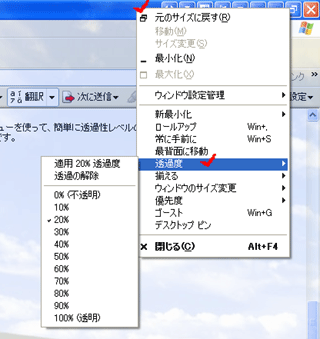
Windows Fully compatible with You can change the settings by right-clicking on the top of the window. |
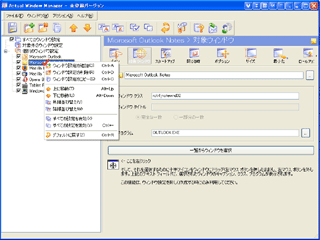 |
Individual settings for every window |
|
|
Rollup / Unroll By pinning a rollup or e-mail window, you can view the information (window) hidden underneath it. |
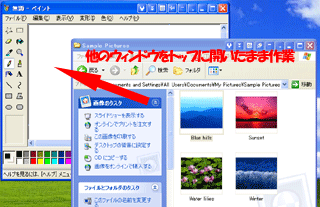 |
By pinning emails, you can check the contents by dragging and dropping them without switching screens. |
|
|
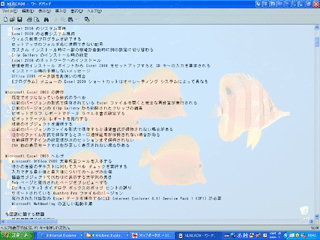
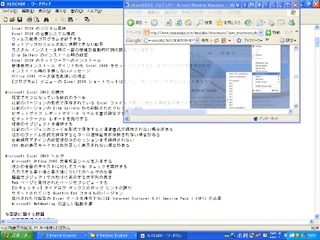
Transparent Window Display (Excel table with transparency effect) The transparent Tablet PC Input Panel allows you to see through to windows displayed behind it. You can easily change the transparency level using the system menu. |
 |
|