AKVIS ArtWork Product Information
|
What is AKVIS ArtWork?
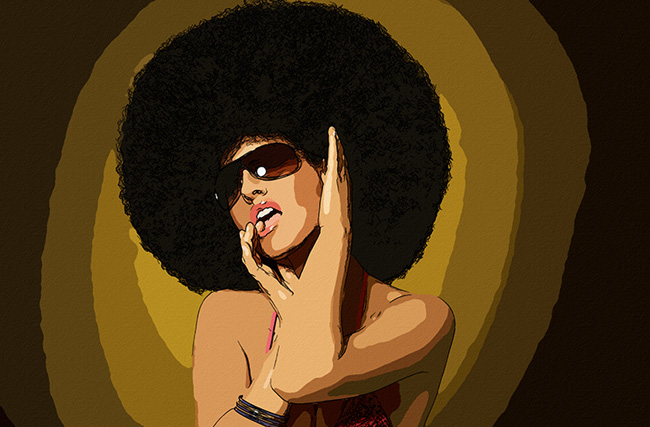
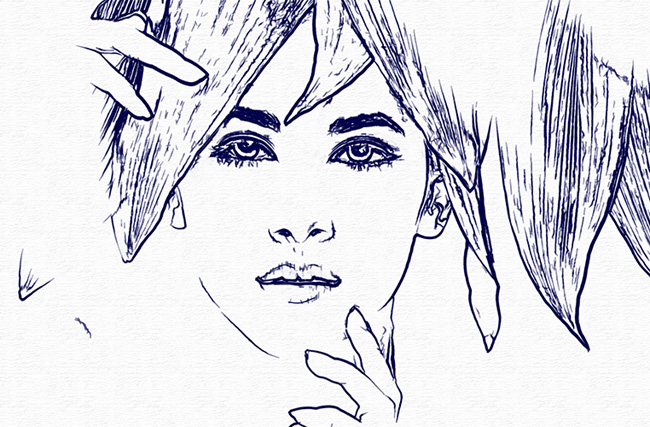
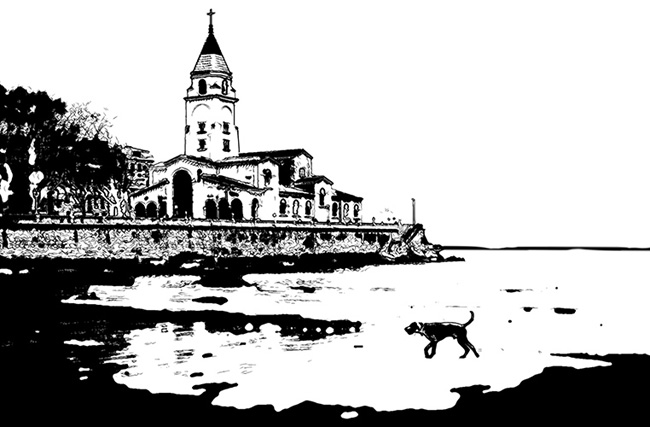
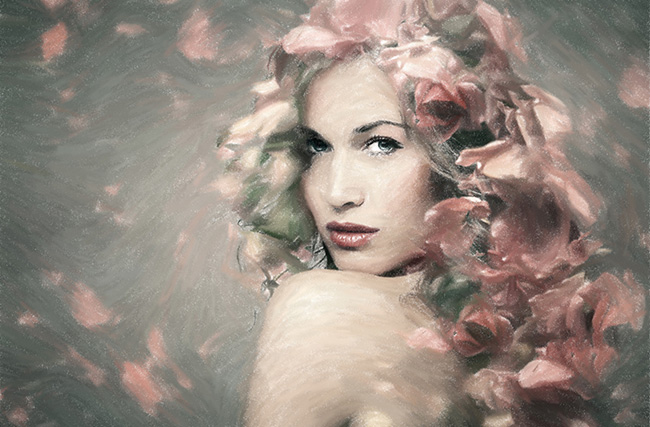
Unlike other programs and Photoshop plugins that claim to be digital artists, AKVIS ArtWork doesn't just add twisted geometric lines, it creates highly realistic paintings from your photographs.
Even with the default settings, you can achieve effects that are so realistic they could be mistaken for hand-drawn artwork. Furthermore, you can adjust the options and explore different oil painting styles. For more flexibility and for thinking about how the final drawing should look, we have a tool called Stroke Direction, a semi-automatic and powerful tool that allows you to control the feel of the brush. Use special brushes to create guidelines, and AKVIS ArtWork will guide the brush strokes along those guidelines to turn your photo into a painting. This technique allows human hair, patterns and textures to be oriented correctly, resulting in a very realistic image after the effect. The first release will convert your photos into oil paintings, in future ArtWork will include different painting techniques. Besides oil painting conversion, it also includes canvas treatment and artist signature features. You can change the texture of the painting surface to represent different materials such as canvas or paper, making your paintings even more realistic. You can also sign or inscribe your paintings with your own fonts and colors. What can it be used for?
You can create an oil painting of your friend's portrait, landscape, still life, etc.
You can print the picture you created on a color printer, frame it, put it in a ready-made photo frame, or even add some real oil brushstrokes to turn it into a real painting. Create greeting cards and posters and surprise your friends and family with them. Please try it out for a variety of purposes. |
 Product Information Product Information |
||
|
|
||