AKVIS Charcoal in Use
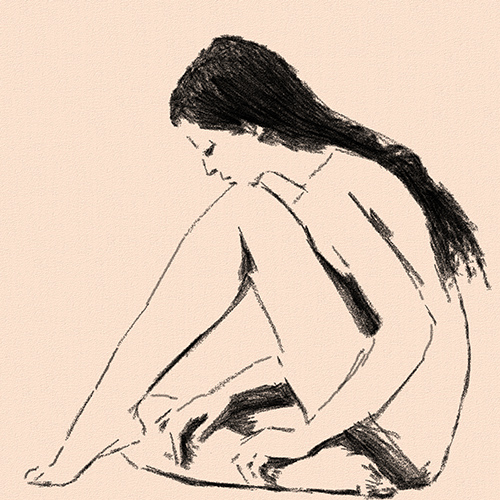
Charcoal drawing is a technique that allows you to create a simple sketch using few lines.
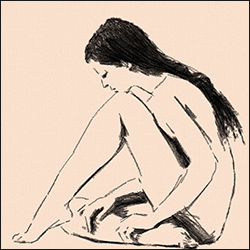
AKVIS Charcoal allows you to easily create charcoal drawings from photos.
 |
 |
|
| Original photo | Final product |
Step 1. In AKVIS Charcoal, choose from presets or adjust the effect settings. Changes are instantly reflected in the Preview window. 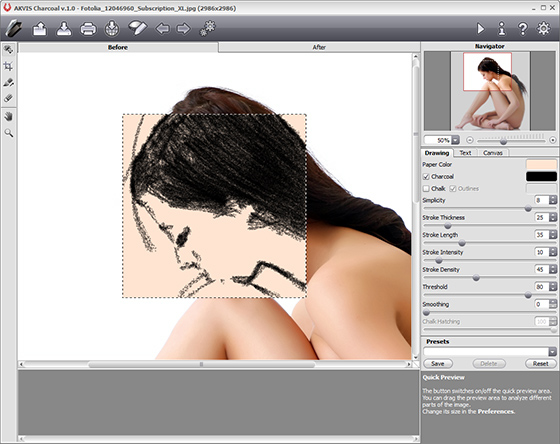
Step 2. Button to apply processing to the entire image  Click . The timeline displays the in-between shots.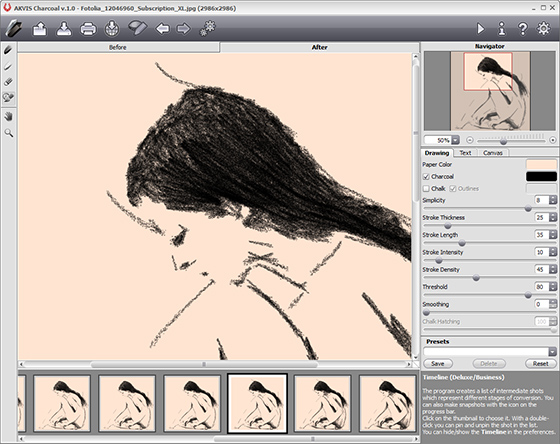
Once the processing is complete, you can also select the desired shape of your painting by clicking on it in the Timeline (this feature is only available for Home Deluxe and Business licenses).
The results will be displayed in the After tab.
Step 3. You can also further edit the conversion result: remove extra lines and add new ones using post-processing tools (this feature is only available with Home Deluxe and Business licenses).
Eraser tool  You can easily remove unwanted lines by using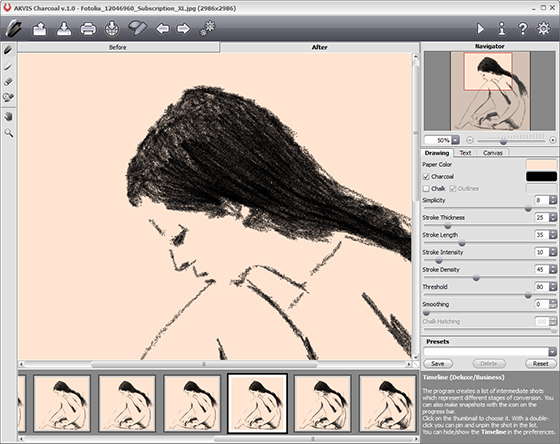
Step 4. Add canvas texture to your sketch.