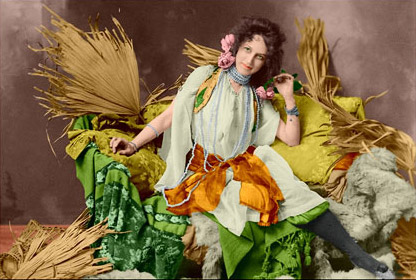
AKVIS Coloriage AI Tutorial
Black and white photos have their own merits. However, sometimes you can see new aspects of a photo just by changing it from black and white to color. Here, we will show you how to colorize a black and white postcard.
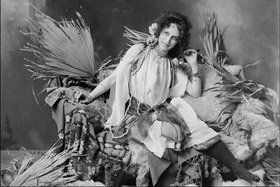 Black and white postcard |
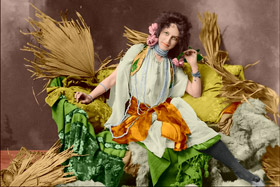 Postcard after coloring |
Just follow these steps and you'll completely change the look of this postcard.
Step 1 Open the image in AKVIS Coloriage.
Step 2. Specifies the color to be applied to each object in the image.
Slowly outline the larger objects (such as girdles, dresses, cushions, fabrics, and fur on sofas) by following their boundaries.
If you want to add detail, draw thinner lines. For example, if you are adding pearl jewelry, draw a line along the string that holds the pearls together, but do not extend beyond the pearl. If you are adding eyes, draw the eyeball separately from the white of the eye.
For finer detail, it helps to enlarge the image. The more you enlarge the image, the smaller the brush size will be.
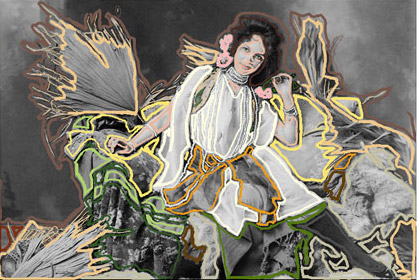
Step 3  Click the button to start the colorization process. The colorized image will be displayed in the After tab.