AKVIS Decorator Effects Examples
|
[Effect Example] Paste texture seamlessly into selected area
|
|
| [Example 1] Try changing the color and texture of the clothes. | |
|
Before Effects
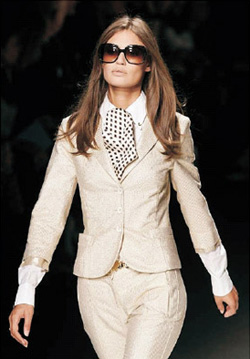
|
After Effects
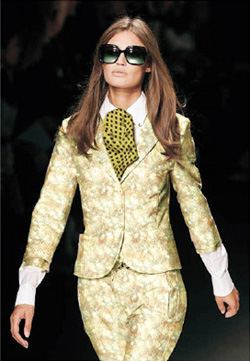
|
| <Effects Work Procedure> | |
| Create a selection in PhotoShop. | |
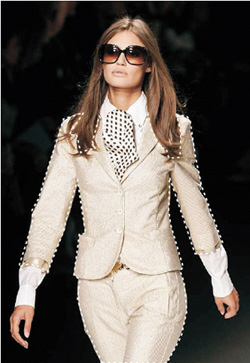 |
|
|
↓
|
|
| Let’s call up the Decorator plugin and apply texture to the clothing part. | |
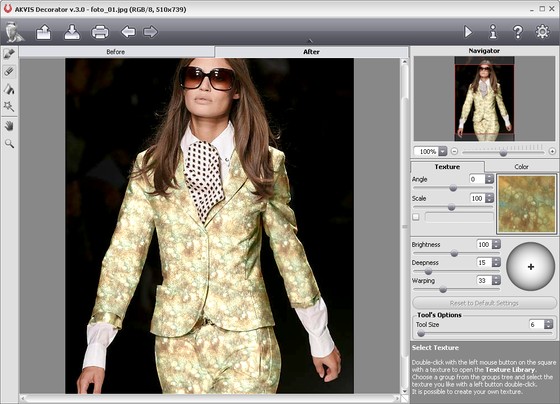 |
|
| Try changing the color of the tie part using the same procedure. | |
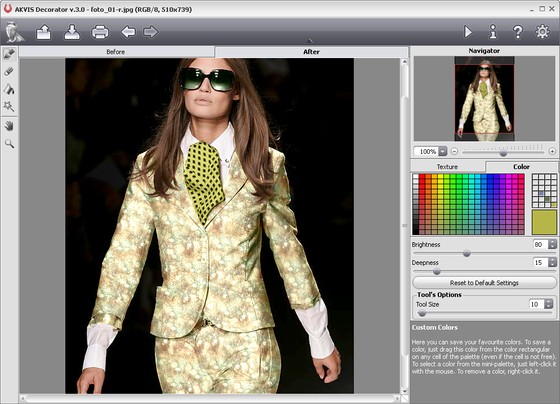 |
|
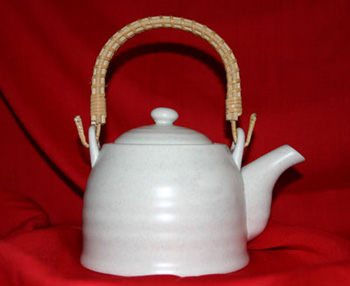
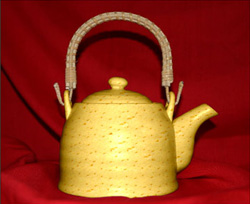
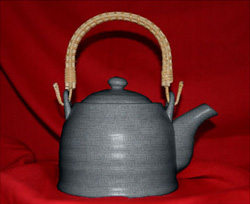
| [Example 2] Try changing the color and texture of the teapot. | |
|
Before Effects
|
|
 |
|
|
↓
|
|
|
After Effects
|
|
|
Apply Texture
|
Change color
|
[Other effect examples]
| Before Effects | After Effects | |
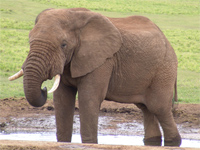 |
→ | 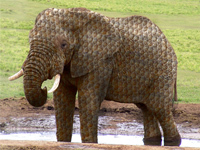 |
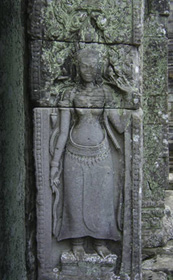 |
→ | 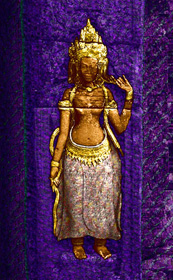 |
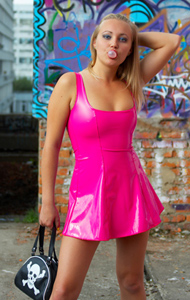 |
→ | 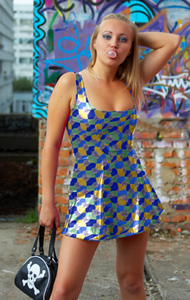 |