AKVIS Draw Effects Examples
AKVIS Draw expands your creative possibilities.
Even if you don't have any drawing skills, this software allows you to create sketches that look like they were drawn by hand.
Artists and poets make quick sketches in the margins of their albums and diaries.
You'll need to use a photo editor to put the pictures together into a collage, or you can just paste the pictures directly onto the website.
Using the poem "Stanzas to Augusta" (by Lord Byron), I will show you how to make artistic sketches of the things in the poem.
In the desert a fountain is springing,
In the wide waste thee still is a tree,
And a bird in the solitude singing,
Which speaks to my spirit of thee.
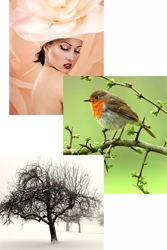
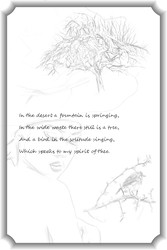
In this example, I used an image editing software to combine the pictures.
 |
 |
|
| Original photo | Final product |
Step 1. In your photo editor, create a new blank canvas measuring 800 x 1200 pixels.
Step 2. Insert a poem using the text tool.
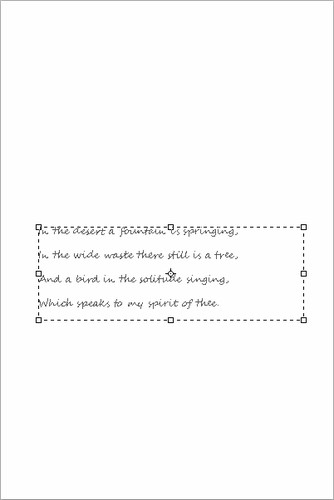 |
| Insert the text of the poem |
Step 3. Open the photo of a tree.
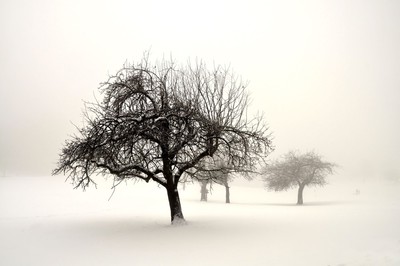 |
| Tree Photos |
Step 4. Call the filter in AKVIS Draw: Filter -> AKVIS -> Draw
Your photo will turn into a hand-drawn pencil drawing.
Adjust the effect parameters. Eraser Tool  Then erase any excess pencil strokes.
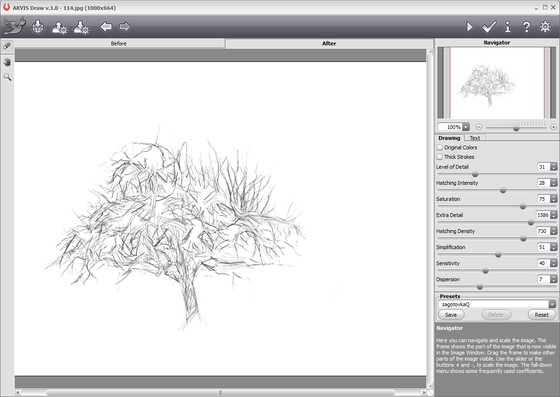 |
| Convert to a Pencil Sketch in AKVIS Draw |
 Click to apply the result and return to the image editor.
Step 5. We need to erase the excess background. The easiest way to do this is to use the Magic Wand tool. Select the Magic Wand tool, click on the white area, and press the [Delete] key on your keyboard.
Use the Move tool to insert the tree picture onto the page with the poem.
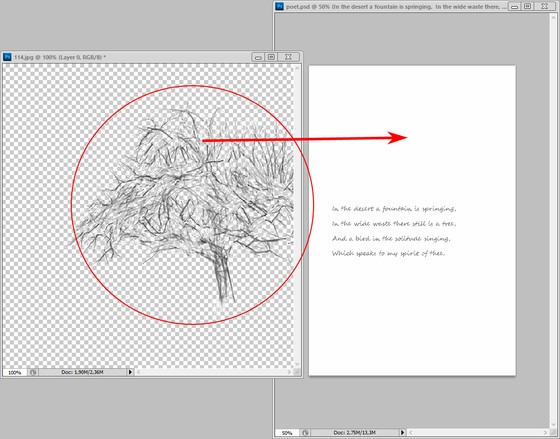 |
| Tree sketch |
Step 6. Do the same to add the bird pictures.
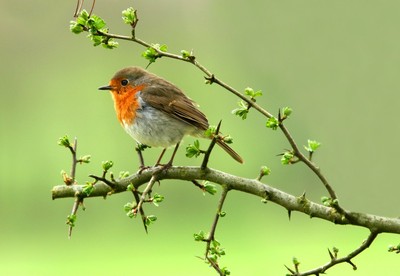 |
| Bird Photos |
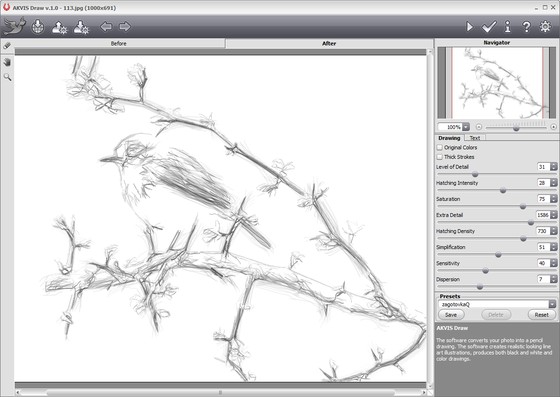 |
| Bird sketches |
Similarly, photos of women are also edited.
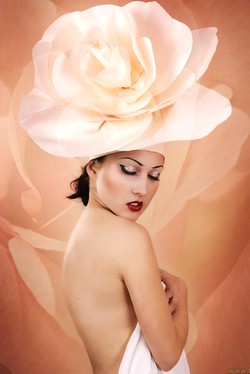 |
| Women's photos |
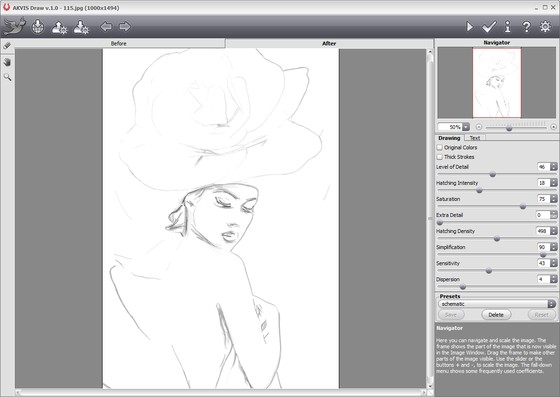 |
| Woman sketch |
NOTE: As they are on different layers, adjust the transparency of each image to your liking.
Step 7. In AKVIS ArtSuite (note: a separate product), create a new layer and add a frame.
Use Filter -> AKVIS -> ArtSuite (or in the plugin version Frames -> Artistic Frame).
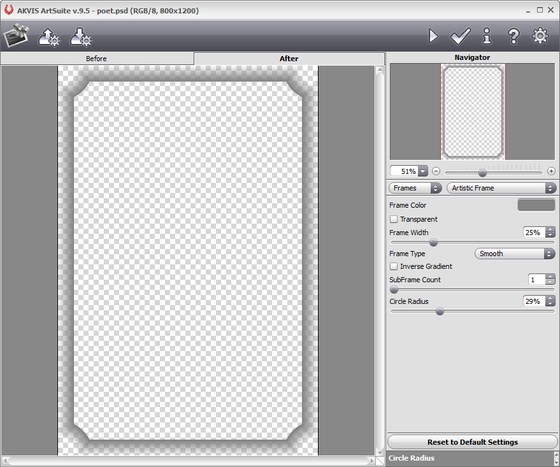 |
| Adding a Frame |
Step 8. Save the results.
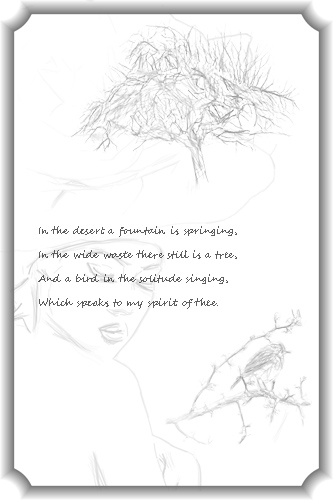 |
| Poem with additional sketches |