AKVIS Enhancer Tutorial
|
Tutorial: Streets
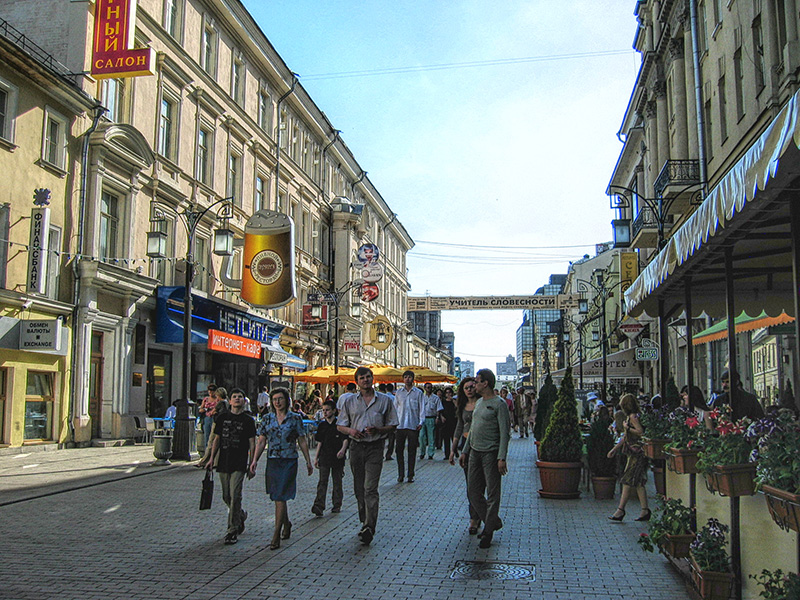
When taking photos on a poorly lit street, the main subject can become dark and difficult to see.
Step 1. Open a photo in your photo editor. 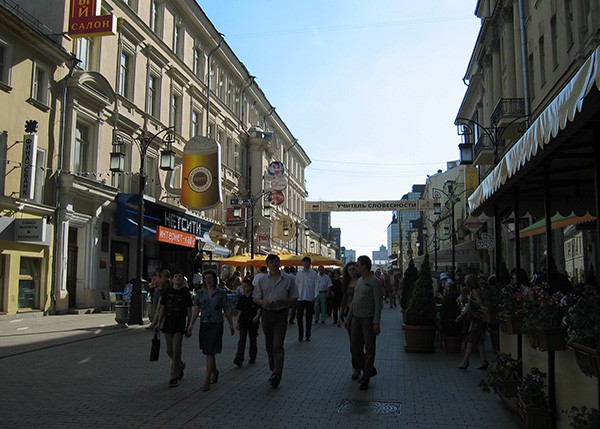 Original Image Step 2. Call the AKVIS Enhancer plugin: in Adobe Photoshop select Filter menu -> AKVIS -> Enhancer or in Paint Shop Pro select Effects menu -> Plugins -> AKVIS -> Enhancer. The AKVIS Enhancer window will appear, with default parameters applied to the image and the processed result displayed. 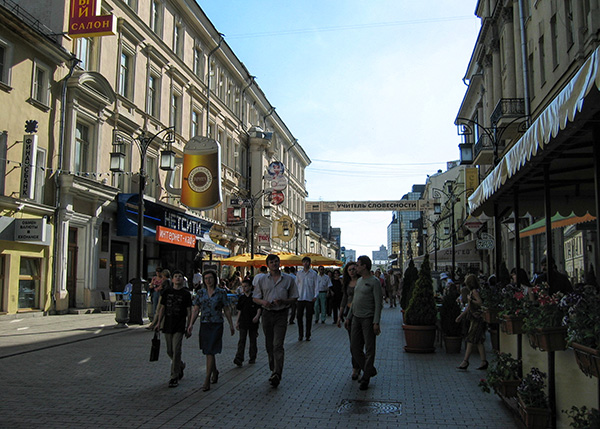 Results of applying default settings Step 3. To overcome the underexposure of our photo, we need to bring out as much detail as possible in the dark areas, so we will increase the overall brightness of the photo by setting the Brightness parameter to 70. 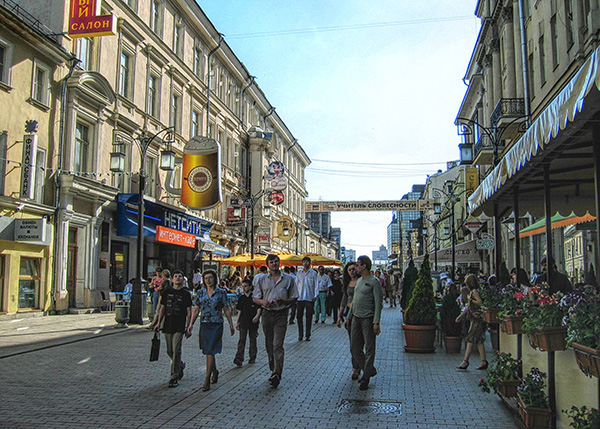 Click |
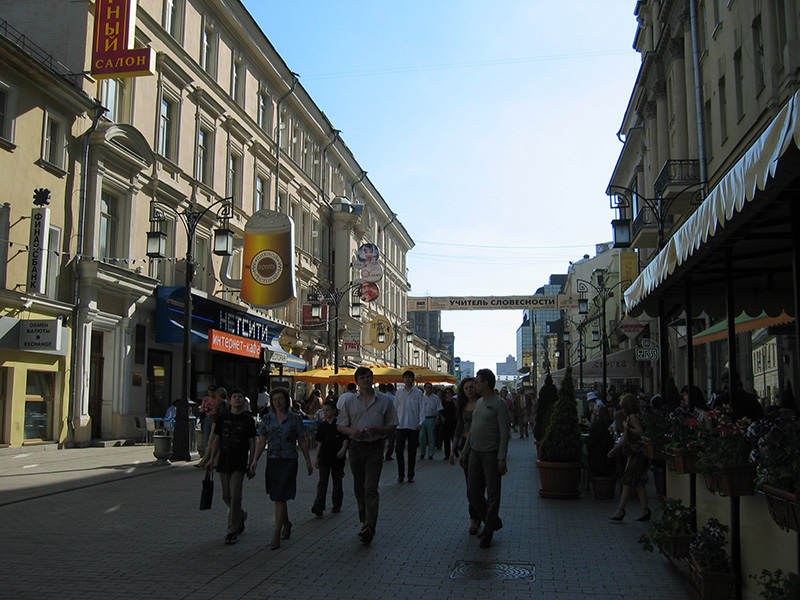
 Click the button to apply the image editing results and close the plugin window.